Portfolios
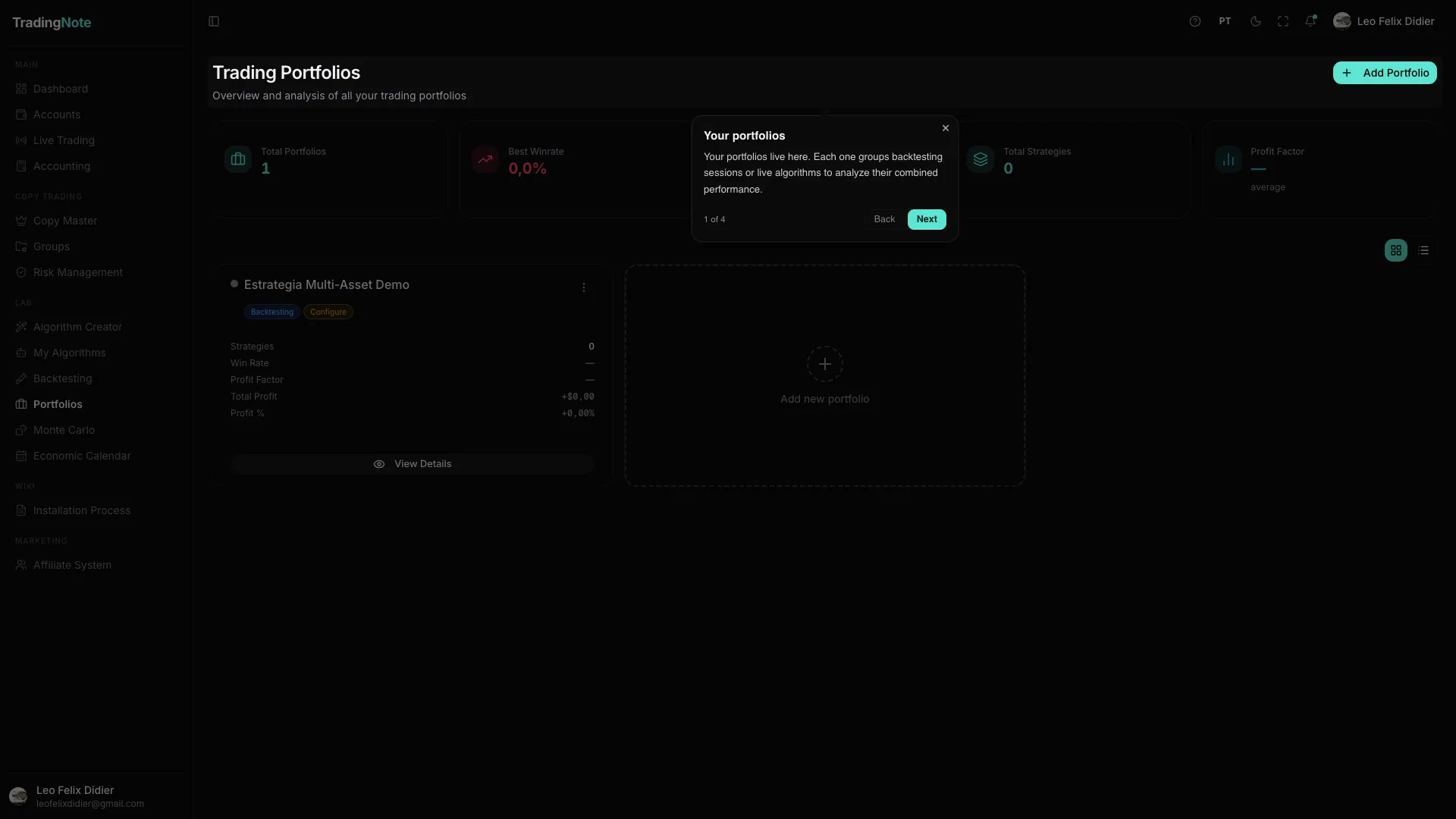
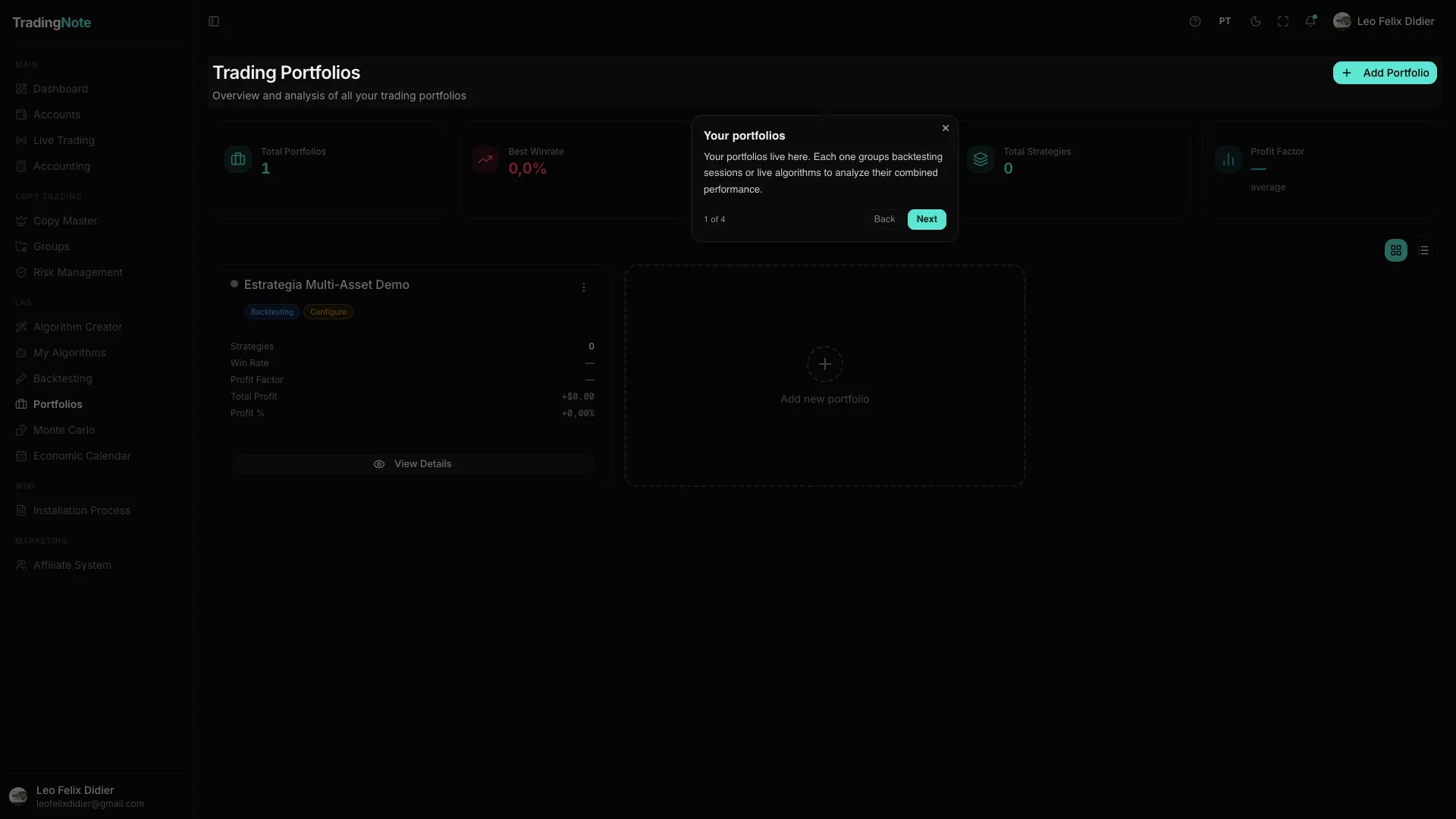
Group several algorithms so they trade together like a fund, with a shared risk budget, and launch them to trade live from one place.
A Portfolio is a team of algorithms trading together across one or more accounts. Instead of running a single algorithm, you combine several to diversify risk —because even the best algorithm has bad streaks, and a well-built team turns them into noise—. And most importantly: the Portfolio is where an algorithm goes from theory (backtests) to actually trading in the market.
Why a portfolio and not a single algorithm
The key to a good portfolio isn't having many algorithms, but having algorithms that behave differently from each other. If when one is in a bad streak the other is winning, their curves smooth each other out and the combined drawdown is much lower than either one alone. Ten algorithms doing the same thing aren't a diversified portfolio: they're one algorithm with ten times the risk.
Mix different instruments, timeframes and logics (trend, reversion, breakout) so the bad streaks don't coincide. And require each piece to have passed its validation (DSR, Walk-Forward, Multiverse) on its own: a portfolio of overfit algorithms is still garbage, just spread out.
How to build and launch a portfolio
- 1
Create the portfolio
You give it a name and choose which account (or accounts) it will trade on.
- 2
Add algorithms and set weights
You pick the algorithms from «My Algorithms» that will form the team and how much weight (importance) each one has. The weight determines how much risk budget each algorithm gets: more weight = larger size on its trades.
- 3
Configure the risk rules
You set the portfolio's daily loss cap (split by weight), the profit caps, and for futures/prop firms the account rotation and streak lock. That way the portfolio stops itself when it hits your target or your limit.
- 4
Launch the live session
When you're ready, you start the «live session». From then on the portfolio trades on its own, following its algorithms and rules, and you see its aggregated performance in real time.
The shared risk budget
This is where the portfolio operates like a fund and not loose bots. The daily loss cap you set is split among the algorithms by weight, and each one sizes its trades to stay within its «envelope». No algorithm can eat into the others' risk. The total weight is frozen when the session activates, so the account isn't over-leveraged while you load it. We explain it in depth in the risk management article (institutional mode).
The lifecycle of a live session
| State | What it means |
|---|---|
| Active | The portfolio is trading: its algorithms watch the market and execute signals. |
| Paused | It stopped after hitting a cap (daily loss or profit). It resumes next period or manually. |
| Stopped | You closed it. It optionally closes open positions when stopping. |
Sessions survive restarts. If the platform updates or restarts, active sessions resume on their own when it comes back, without you reactivating them. And if a position was closed outside (manual close at the broker, margin call), the system reconciles it automatically: it detects the close, recomputes the real PnL and keeps the risk tracking aligned with reality.
An account can't be in two live sessions at once: two systems sizing on the same capital break the tracking. One account, one session. And launching a live session requires a PRO plan or higher — always start on a Paper account to see how the portfolio behaves before using real money.