Groups
Bundle accounts to configure them and apply rules together, instead of one by one. Essential when you manage many funded accounts.
Groups lets you put several accounts under one set to manage them as one. Instead of changing a setting on each account, you change it on the group and it applies to all of them. It's the difference between touching 20 accounts one by one (with the human error that implies) and touching a single control. It's very useful when you manage many similar accounts: for example, several accounts from the same prop firm with the same rules.
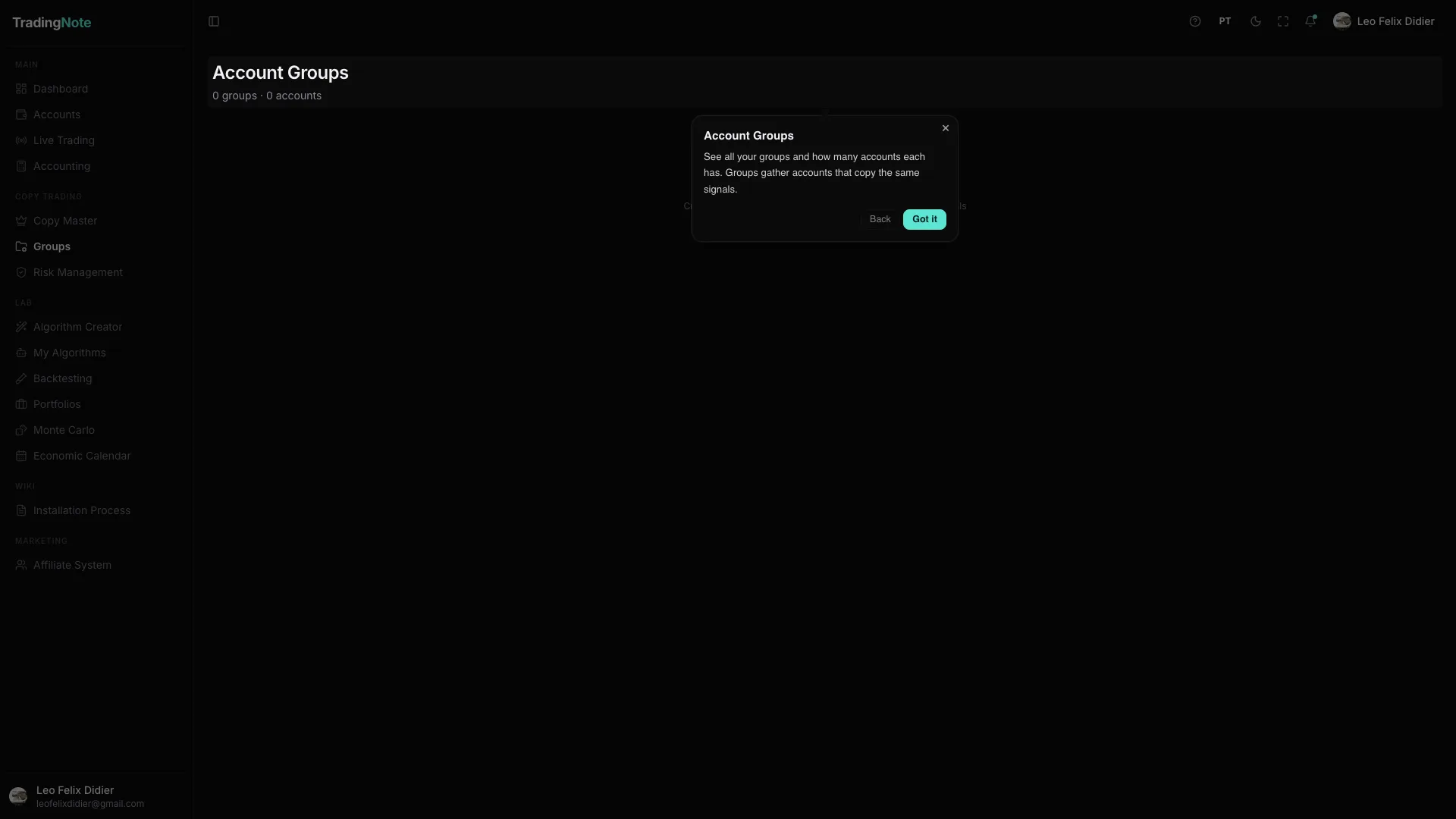
How to create and use a group
- 1
Create the group
Give it a name that tells you at a glance what it holds (e.g. «Apex 50K» or «Darwinex accounts»).
- 2
Add the accounts
You select which accounts belong to the group. An account can join and leave a group whenever you want.
- 3
Apply settings to the group
Whatever you define at the group level (risk caps, copy rules) propagates to all its accounts in one shot.
What it's really for
| Situation | How Groups helps |
|---|---|
| You have 10 accounts at the same prop firm | You apply the same daily loss cap to all 10 with no risk of forgetting one. |
| You run one algorithm across several follower accounts | You group the followers and wire the copy to the whole group, not account by account. |
| You want to separate personal from funded capital | A «Personal» group and a «Funded» one with distinct, clear, error-proof rules. |
Combine Groups with Copy Master and Risk Management: group your follower accounts, wire them to the master in one shot and apply the same risk limits to the whole group. It's the trio that turns «trading 15 accounts» into something one person can manage.